 turnSurf
Android games on your Mac.
Play them from anywhere.
turnSurf is an Android emulator built for Apple Silicon Macs. Run several Android screens side by side, map your keyboard and controller, and pick up the same game on your phone from your own Mac.
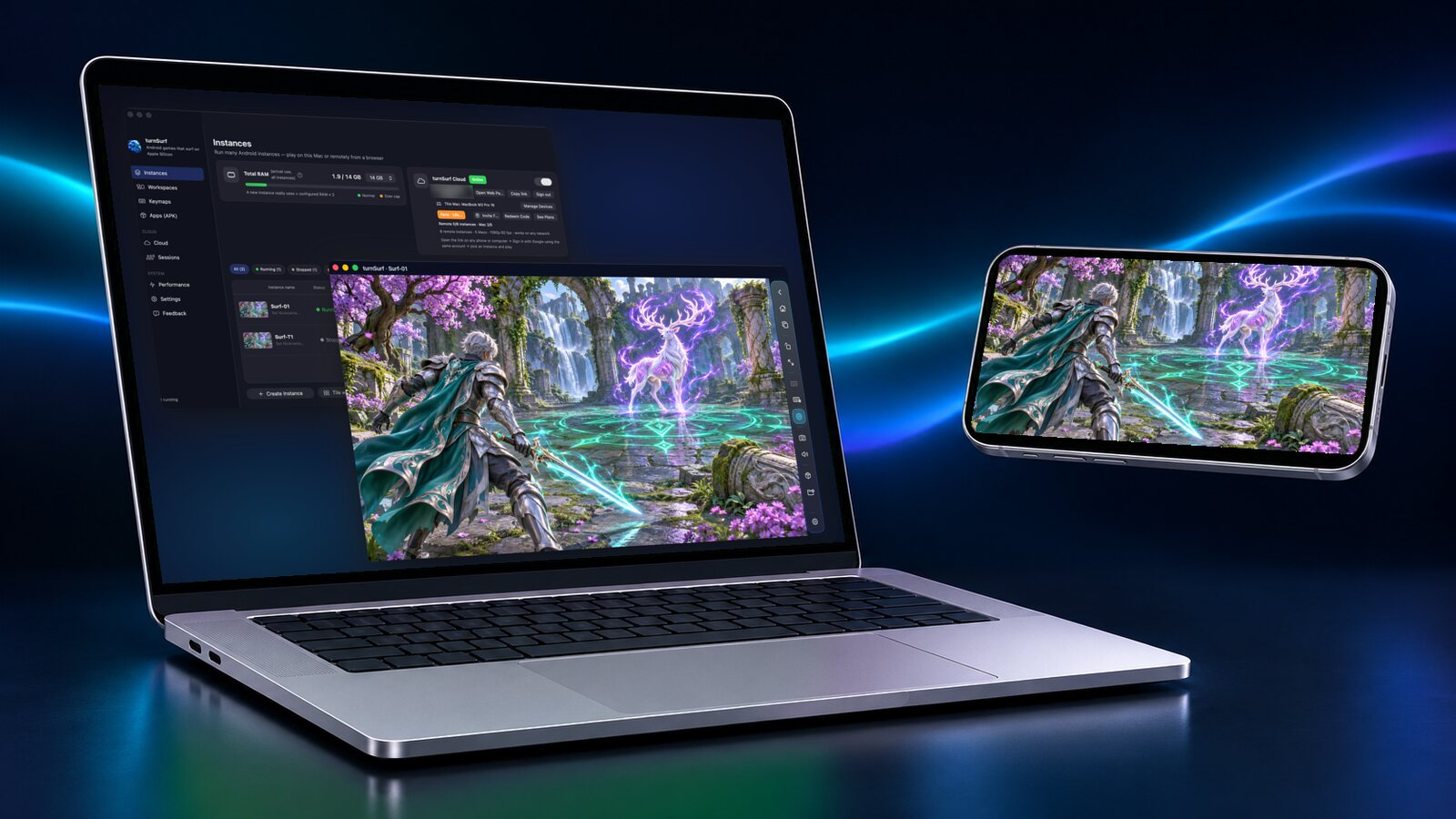
Built for playing on a Mac
Everything runs on your own Mac. Your games, your screens, your controls.
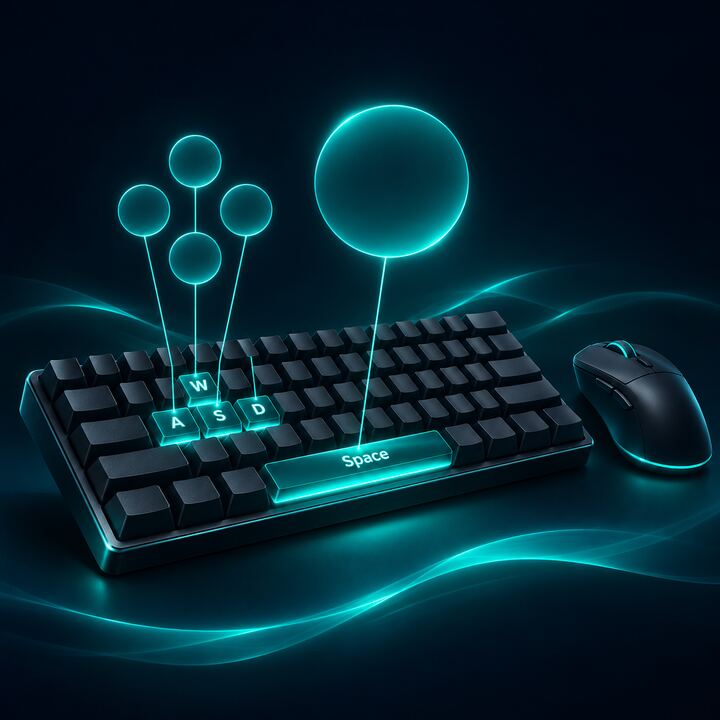
Keyboard and controller
Map WASD, mouse and gamepad buttons onto touch controls, per game.
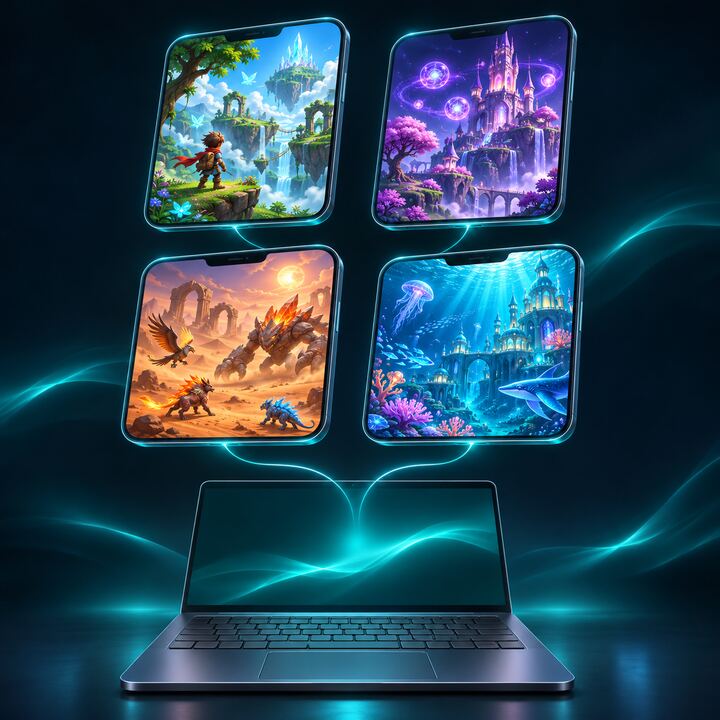
Several screens at once
Clone screens, group them, schedule them, and let one screen drive the others with sync.
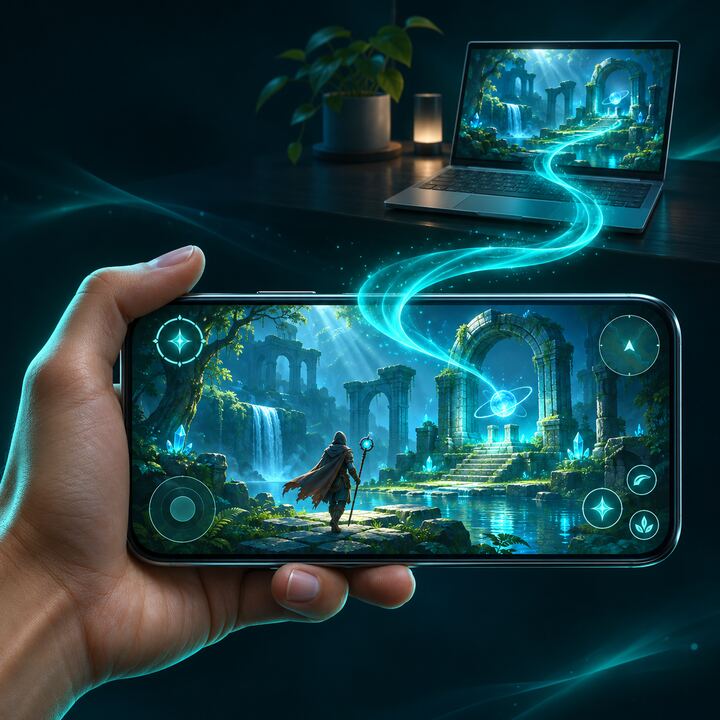
Play your Mac from your phone
Open your own Mac's screens on your phone or any browser. It connects directly to your Mac, not to a game server.
And the details that matter
The Android emulator made for Apple Silicon
turnSurf runs real Android on your MacBook, iMac or Mac mini with an M1, M2, M3 or M4 chip. Play Android games on your Mac with a keyboard, mouse or controller, install apps from Google Play or an APK file, and run several Android emulator instances at the same time.
Because it is made only for macOS on Apple Silicon, there is no Intel or Windows baggage: it starts quickly, stays light on memory and gives every screen its own profile.
Measured, not promised
Numbers from our own tests on a MacBook Pro M3 Pro with 18 GB RAM.
Results depend on your Mac, the game and its settings. Your numbers may differ.
Up and running in minutes
Plans
Free during the beta. Paid plans are coming soon; you can already try Plus free for 7 days.
Free
- Run Android screens on your Mac
- No local screen limit
- Remote play on direct connections
Solo
- Remote play that works on more networks
- For one player, one Mac
Plus
- 3 screens at once remotely
- Up to 2 Macs
- Phone alerts and Plus tools
Farm
- 8 screens at once remotely
- Up to 5 Macs
- For running many screens all day
Yearly plans save about 20%. Prices in USD: Solo $4.99, Plus $9.99, Farm $19.99 per month.
What you need
FAQ
Does it run on Intel Macs?
No. turnSurf needs an Apple Silicon Mac (M1 or newer) with macOS 15 or later.
Does it work on M1, M2, M3 and M4 Macs?
Yes. turnSurf runs on every Apple Silicon Mac, from M1 to the latest chips, with macOS 15 or later.
Is remote play "cloud gaming"?
No. Your games run on your own Mac. Your phone connects to it directly, so the delay depends on the distance between your phone and your Mac. Playing at home or nearby works best; across continents adds noticeable delay.
Will every game work?
Many games work, but not all. Some games block emulators, 32-bit-only games don't run, and Google Play may say the device isn't certified for a few titles. We're testing more games all the time.
Can games ban my account for using an emulator?
Each game has its own rules. Some restrict emulators, multiple copies, key mapping or automation. Please check the terms of the games you play, and see our Terms of Use.
Is it really free?
Yes, during the beta. Paid plans add more remote screens, more Macs and extra tools, and they're coming soon.
Do I need an account?
Yes, during the beta. turnSurf needs a Google sign-in before you can play. One account covers all your Macs, keymaps and remote play.
Why does macOS warn me when I open it?
During the early beta the app may not be notarized yet. If macOS blocks it, open System Settings → Privacy & Security and choose "Open Anyway".
Ready to surf?
Join the free beta and play your Android games on your Mac today.
Sign up for the free beta